Skip to content

AI image studioNew

Design images with AI, in Arabic

Describe what you want in one sentence and get posters, thumbnails, logos and product shots with Arabic text written correctly. Then edit any image, remove its background, or make it a video.

  • Arabic text written correctly
  • No credits for images that fail
  • Commercial use on paid plans
Vocla

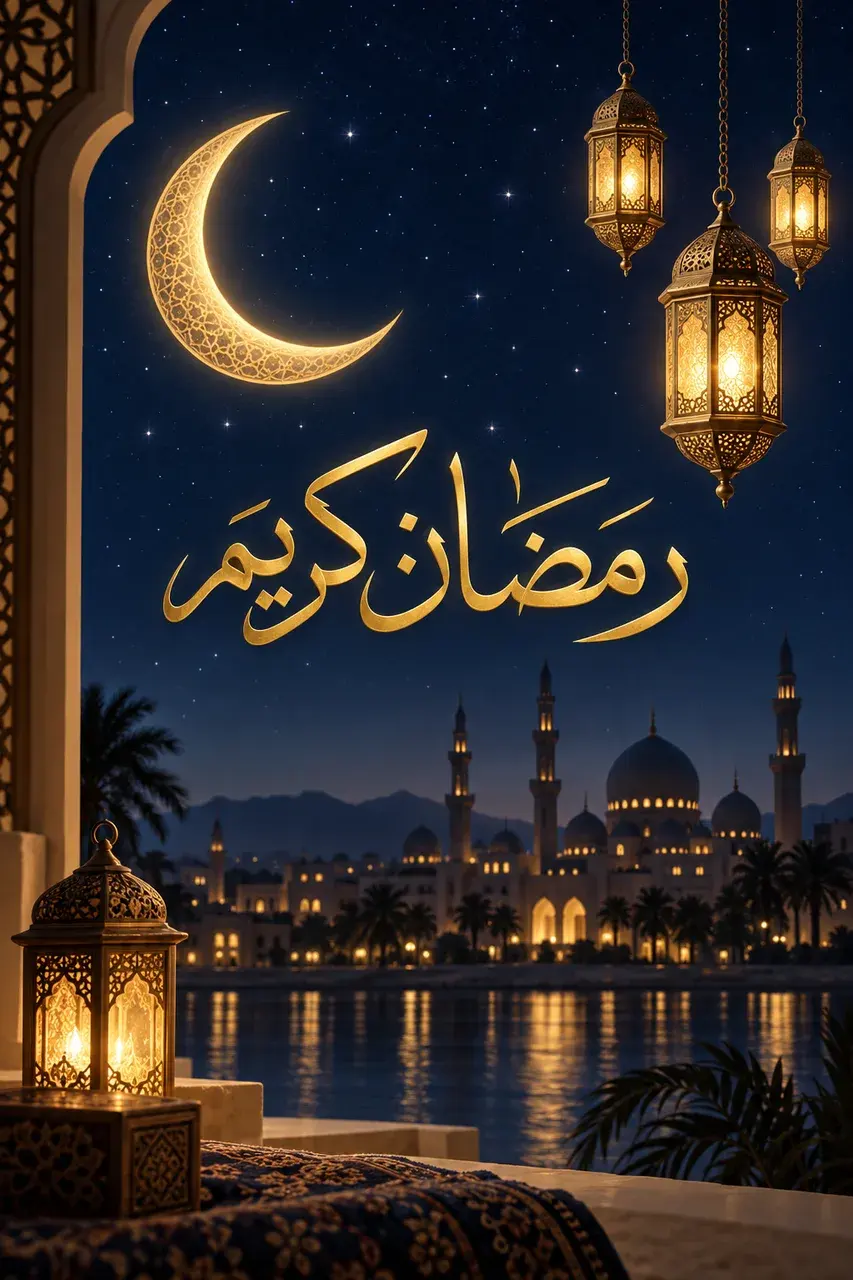
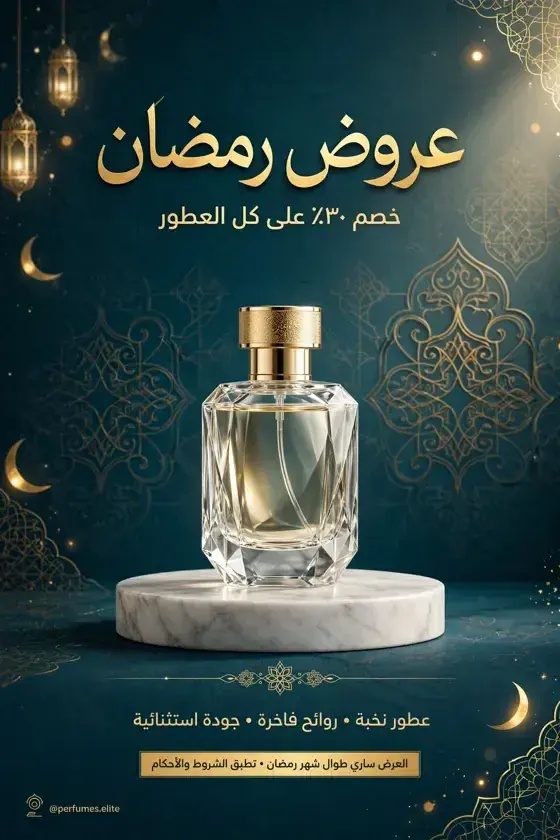
ملصق أنيق لعروض رمضان لمتجر عطور، زجاجة كريستال على قاعدة رخامية، ألوان أزرق مخضرّ وذهبي، وعنوان «عروض رمضان» وتحته «خصم ٣٠٪ على كل العطور»

Ramadan sale posterReady
Live example: an Arabic description turning into a finished image

In short

AI image studio

Vocla's image studio turns a description in Arabic or English into a finished image in seconds, and writes Arabic text inside the image letter for letter when you put it in quotation marks. You can edit the image with one sentence, remove its background, enhance it up to 4K and turn it into a video ad with an Arabic voice.

Real results

Before and after, made in Vocla

Drag the line across each picture to compare the original with the result.

  • After
    BeforeAfter
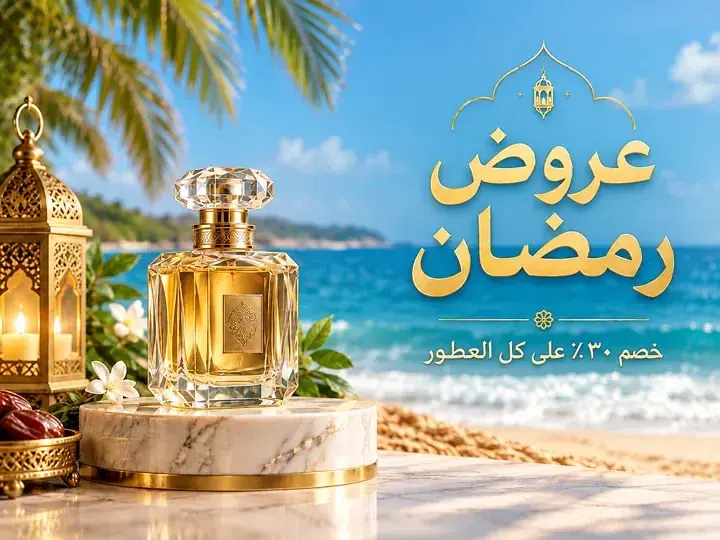
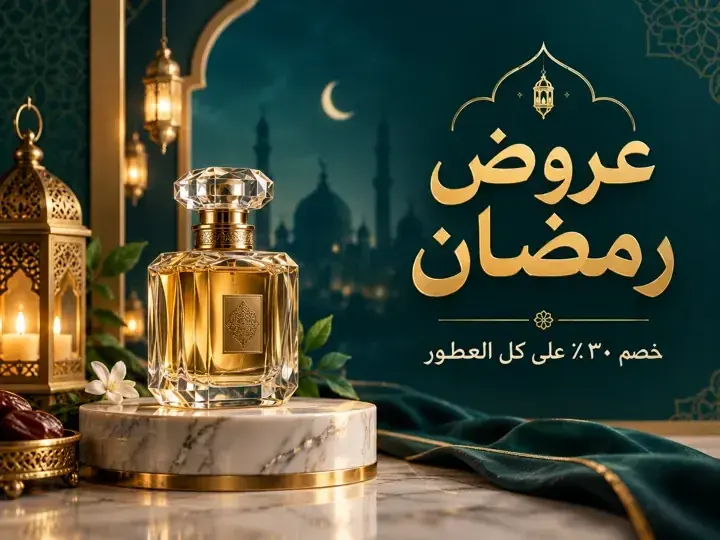
    The original“Move it to a beach at sunset, keep the text”

How it works

Three steps

Design and edit images in Arabic

  1. Step 1

    Describe the image

    Write what you want in Arabic or English, or press “Improve” to turn a short idea into a detailed prompt.

  2. Step 2

    Put the text in quotation marks

    Any text you write «in quotation marks» is written into the image exactly, Arabic letters and numbers included.

  3. Step 3

    Edit it or make it a video

    Change any part with a sentence, remove the background, enhance the quality, or press “Make it a video”.

1Why Vocla

AI image generation from an Arabic description

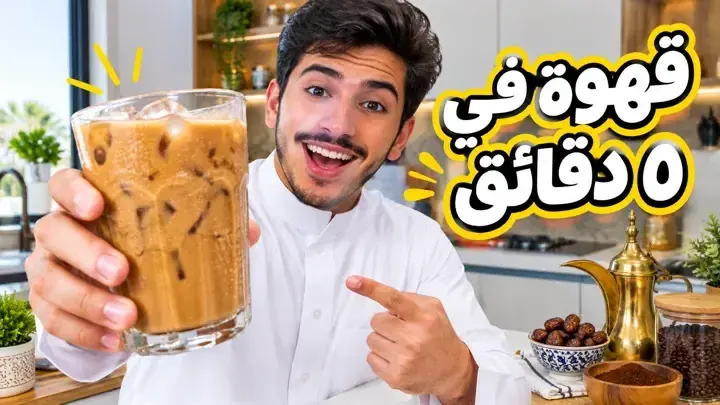
Write your description the way you speak, pick the kind of image (thumbnail, Instagram post, story, podcast cover, product shot, poster, logo) and the studio sets the right shape. The result appears in seconds.
YouTube thumbnail
2Why Vocla

AI images with correct Arabic text

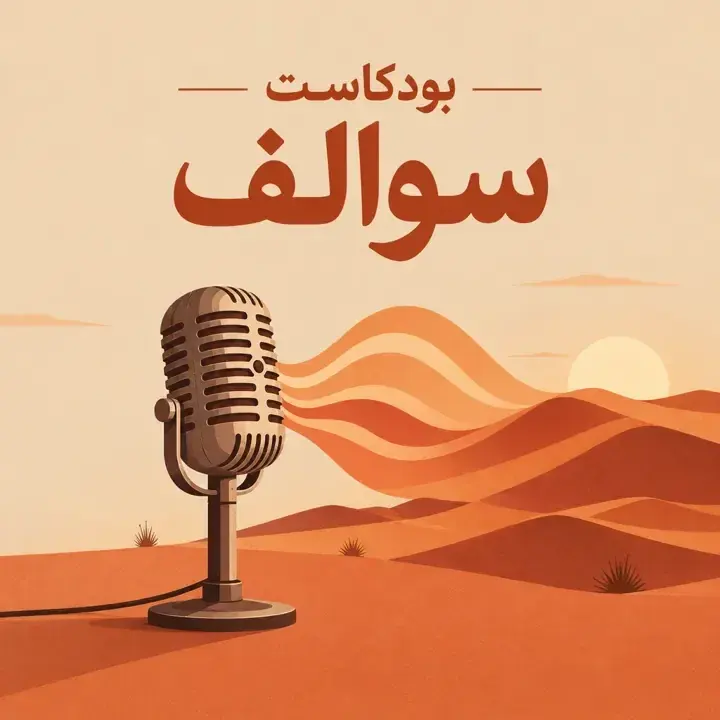
Broken Arabic letters are the most common complaint about image tools. In Vocla, headlines, prices and names come out joined and correct, because the studio sends quoted text to the model letter for letter.

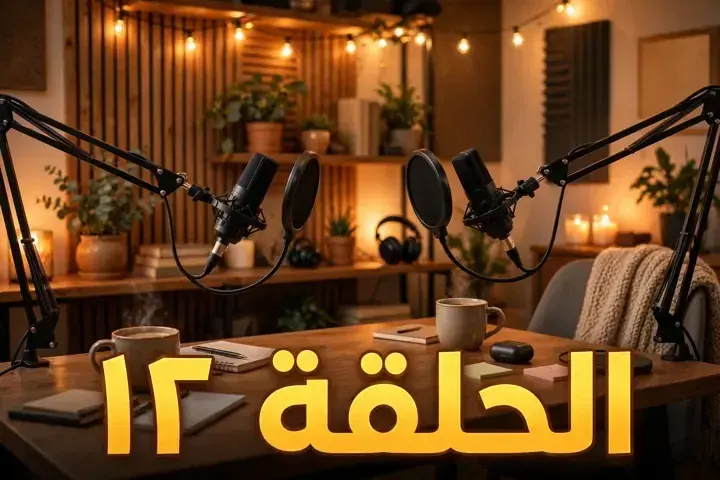
Podcast cover
3Why Vocla

Editing, background removal and enhancement in one place

No need for several sites: edit your photo with a sentence, remove its background in one click, enhance it to 2K or 4K, then turn it into a video, all from the same studio.

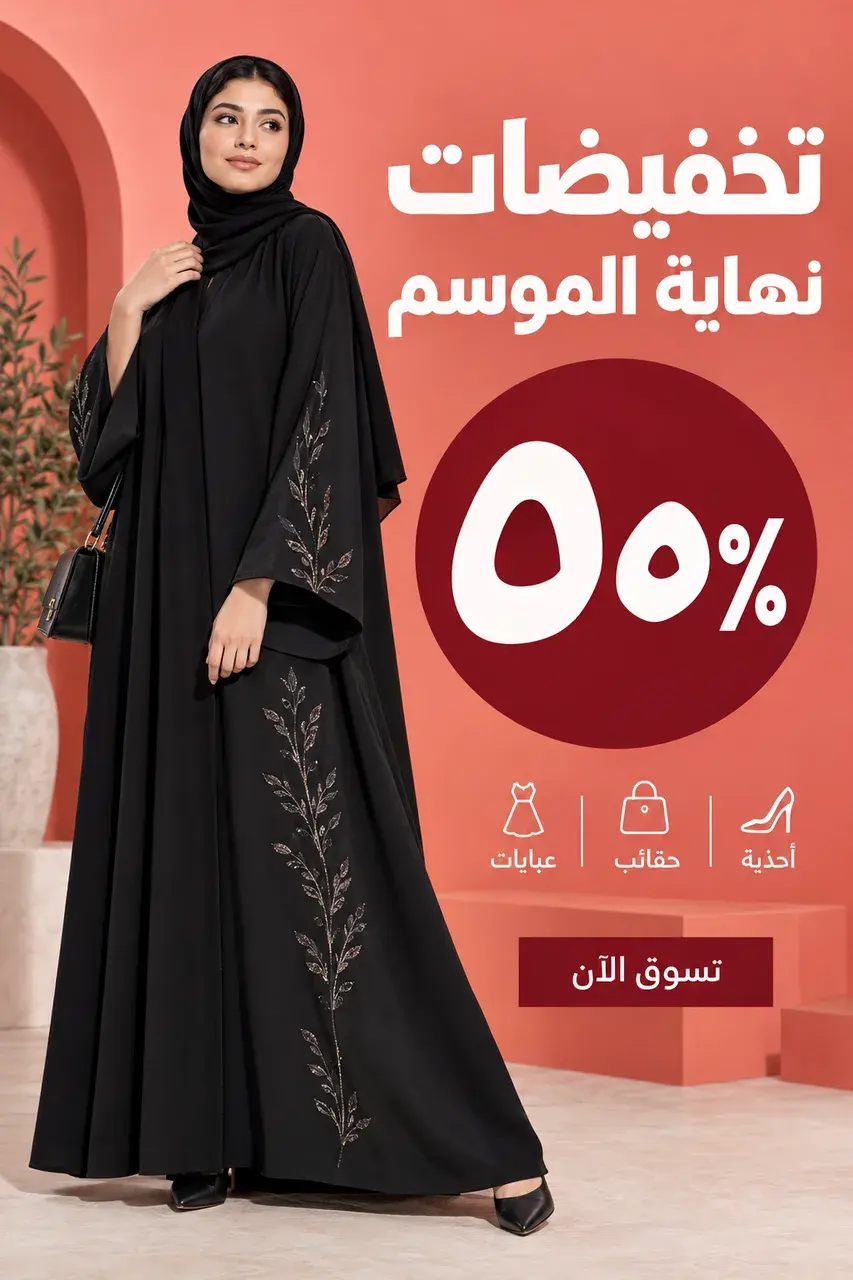
Product photo

Ideas

Start from a real result

Every picture here was made in the Vocla studio. Tap one to open the studio with its prompt ready, then make it yours.

From image to video

Every image is one click from a video

Press “Make it a video” on any image: Vocla turns it into an ad with a real Arabic voice, or puts it into your own clip with AI video edit.

Video ad from the Starter plan, AI video edit from Professional

Qualities

Four qualities, each with its strength

Pick the quality for what you make: speed, lettering, or the finest detail.

QualityBest forArabic letteringLargest sizeClear background
Vox Image LiteQuick everyday posts and draftsFair1KNo
Vox ImageMost images, and the best at editsVery good4KNo
Vox Image ProPosters and logos with lots of textExcellent1KYes
Vox Image UltraThe finest detail for print and campaignsExcellent1KYes

Credits are charged only for images that succeed. Each quality's price in credits shows in the studio before you create.

Plans

Pick the plan for what you make

The image studio starts with Starter, with more on each step up.

  • Starter⁨$4.99⁩ / month

    The image studio: images from a description, background removal, enhancement up to 2K and video ads from your images

    Start creating
  • Creator⁨$13.99⁩ / month

    Everything above, plus photo editing and reference photos

    Start creating
  • Professional⁨$29⁩ / month

    Everything above, plus Ultra quality, 4K and AI video edit

    Start creating

Frequently asked questions

What is the best AI image generator for Arabic?

Vocla is an Arabic-first image studio: you describe the image in Arabic, Arabic text inside the image is written correctly, and you can edit, remove backgrounds, enhance and turn images into video in one place.

How do I create an image with AI from a description?

Open the image studio, describe what you want to see, pick the kind of image and the quality, then press “Create”. The image appears in seconds.

Does AI write Arabic text inside images correctly?

Yes. Put any text «in quotation marks» and it is written into the image letter for letter, joined Arabic letters and Arabic numerals included.

Can I use the images commercially?

Yes, images you make on paid plans can be used in ads, stores, YouTube channels and social media.

How much does an image cost?

Images are paid from your plan's credits; the price depends on quality and size and shows in the studio before you create. Images that fail cost nothing.

What is the difference between the qualities?

Lite is fastest for everyday posts, Vox Image is the best value and the best at edits up to 4K, Pro writes text best and makes clear backgrounds, and Ultra has the finest detail.

Is the image studio on the Free plan?

The image studio starts on the Starter plan, photo editing on Creator, and Ultra quality and 4K on Professional.

Can I turn an image into a video?

Yes. Press “Make it a video” on any image to make an ad with a real Arabic voice, from the Starter plan, or put it into your clip with AI video edit, from the Professional plan.

AI image studio

Your first image is one sentence away

Describe it in Arabic or English and see it in seconds. Credits are charged only for images that succeed.

  • Arabic text written correctly
  • No credits for images that fail
  • Commercial use on paid plans