




Skip to content

AI photo editorNew

Edit photos with AI in one sentence

Upload your photo and write the change the way you would tell a designer: “change the background”, “put the product on marble”, “add a lantern”. Only what you asked for changes.

  • Arabic text written correctly
  • No credits for images that fail
  • Commercial use on paid plans
After
BeforeAfter
The original → “Move it to a beach at sunset, keep the text”

In short

AI photo editor

Editing a photo with AI in Vocla takes one sentence: upload the image, write the change, and the studio keeps faces, products and text as they are while changing only what you asked. Photo editing is included from the Creator plan, and edits that fail cost nothing.

Real results

Before and after, made in Vocla

Drag the line across each picture to compare the original with the result.

  • After
    BeforeAfter
    The product photo“Put the box on a Ramadan iftar table”
  • After
    BeforeAfter
    A street photoThe person alone on a clear background

How it works

Three steps

Change anything in a photo with a sentence

  1. Step 1

    Upload your photo

    A phone photo or any image you made in the studio; add reference photos if you like.

  2. Step 2

    Write the change

    One sentence such as “move it to a beach at sunset” or “make the shirt blue”.

  3. Step 3

    Compare and download

    Drag to compare before and after, download it full size, or edit it again.

1Why Vocla

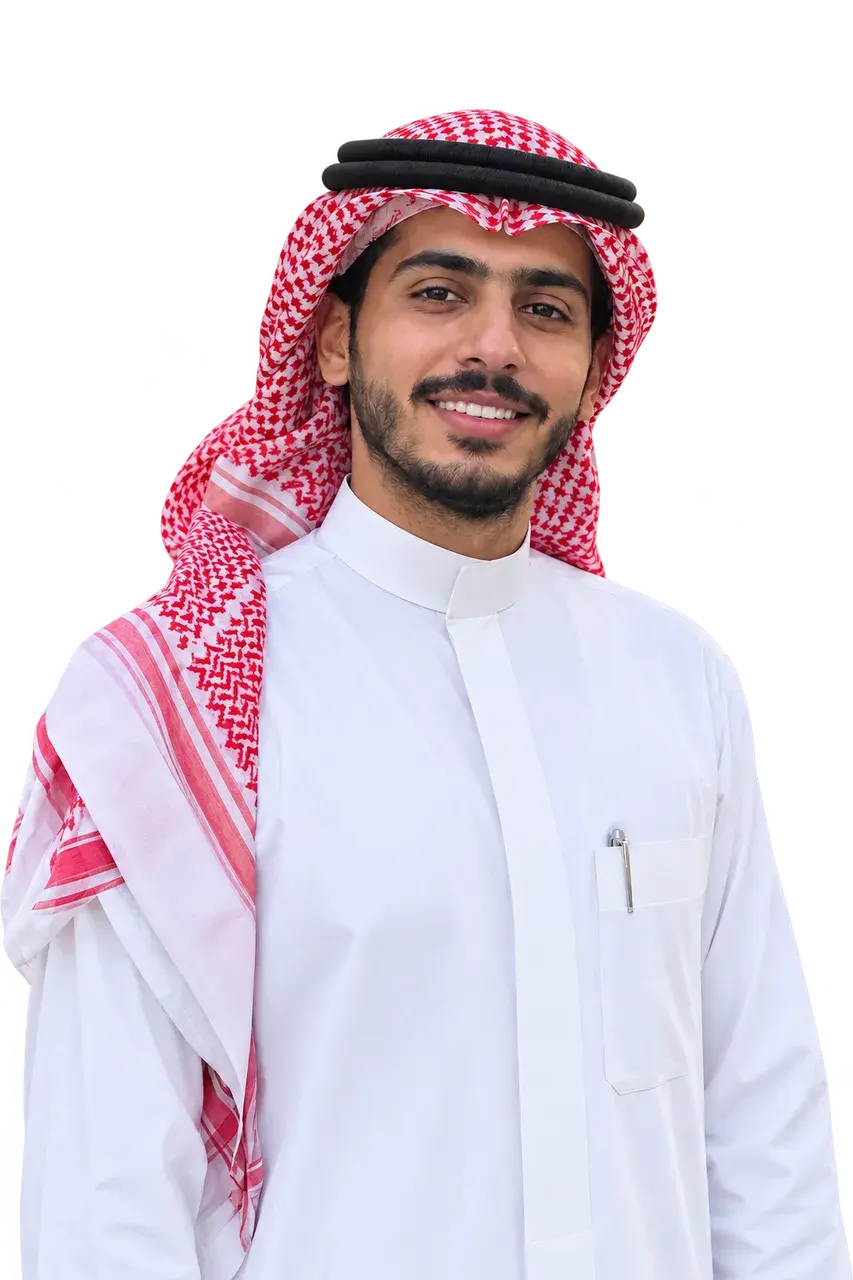
Edit my photo with AI without changing my face

When you edit your own photo, the studio keeps your features and expression and changes only the clothes, background or light. Say what must not change, like “keep the face as it is”, for an even closer result.
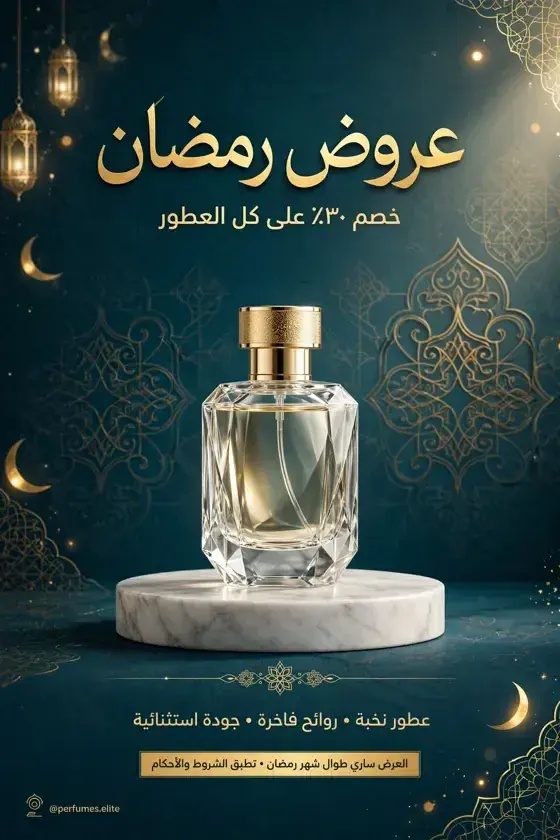
Ramadan sale poster
2Why Vocla

Change a photo's background with a sentence

Write only the new background, such as “put the product on white marble by a sunny window”, and the product and its label stay as they are. For a fully transparent background, use background removal.

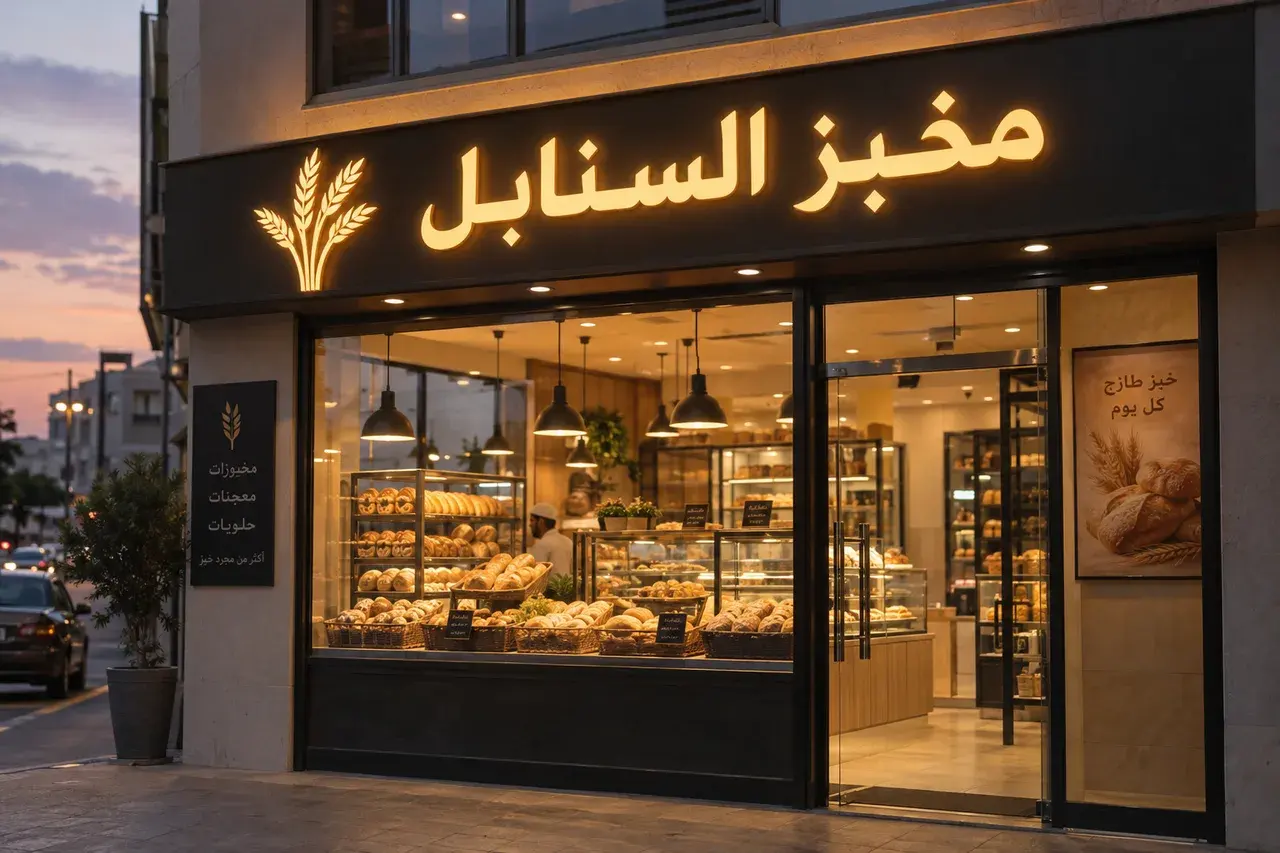
Bakery sign
3Why Vocla

Merge photos with AI

Add several photos as references and say what to combine, like “put the person from photo 1 next to the car in photo 2”. Up to 4 reference photos on Creator and 10 on Professional.

Ramadan offers ad
4Why Vocla

Edit photos with AI online, in the browser

No app to install: it all runs in the browser on your phone or computer, and every result is saved in your gallery.

“Move it to a beach at sunset, keep the text”

From image to video

Every image is one click from a video

Press “Make it a video” on any image: Vocla turns it into an ad with a real Arabic voice, or puts it into your own clip with AI video edit.

Video ad from the Starter plan, AI video edit from Professional

Plans

Pick the plan for what you make

The image studio starts with Starter, with more on each step up.

  • Starter⁨$4.99⁩ / month

    The image studio: images from a description, background removal, enhancement up to 2K and video ads from your images

    Start creating
  • Creator⁨$13.99⁩ / month

    Everything above, plus photo editing and reference photos

    Start creating
  • Professional⁨$29⁩ / month

    Everything above, plus Ultra quality, 4K and AI video edit

    Start creating

Frequently asked questions

How do I edit my photo with AI?

Upload the photo in the Vocla studio, choose “Edit”, write what to change in one sentence, then press “Apply edit”. Everything you didn't mention stays the same.

Can I edit photos with AI for free?

Photo editing is included from the Creator plan. Edits that fail cost nothing, and each edit's price shows before you apply it.

How do I change a photo's background and keep the person or product?

Choose “Edit” and write the new background, such as “put the product on a marble table”. The person or product and the text stay as they are.

How do I merge two photos with AI?

Add both photos as reference photos and say what to combine, like “put the person from photo 1 next to the car in photo 2”.

Does editing keep the Arabic text on the image?

Yes, existing text stays unless you ask to change it, and you can add new text in quotation marks.

Do I need an app to edit photos with AI?

No, the studio runs in the browser on phones and computers, nothing to install.

Can I turn an edited photo into a video?

Yes, press “Make it a video” on the image to make an ad with an Arabic voice, from the Starter plan, or put it into your clip with AI video edit, from the Professional plan.

AI photo editor

Your first image is one sentence away

Describe it in Arabic or English and see it in seconds. Credits are charged only for images that succeed.

  • Arabic text written correctly
  • No credits for images that fail
  • Commercial use on paid plans