


Skip to content

Background removerNew

Remove the background from any image in one click

Upload the image and press “Remove background” to get a transparent PNG with clean edges, even hair and fabric.

  • 300 credits per image
  • From Starter
  • Arabic text written correctly
  • No credits for images that fail
  • Commercial use on paid plans
After
BeforeAfter
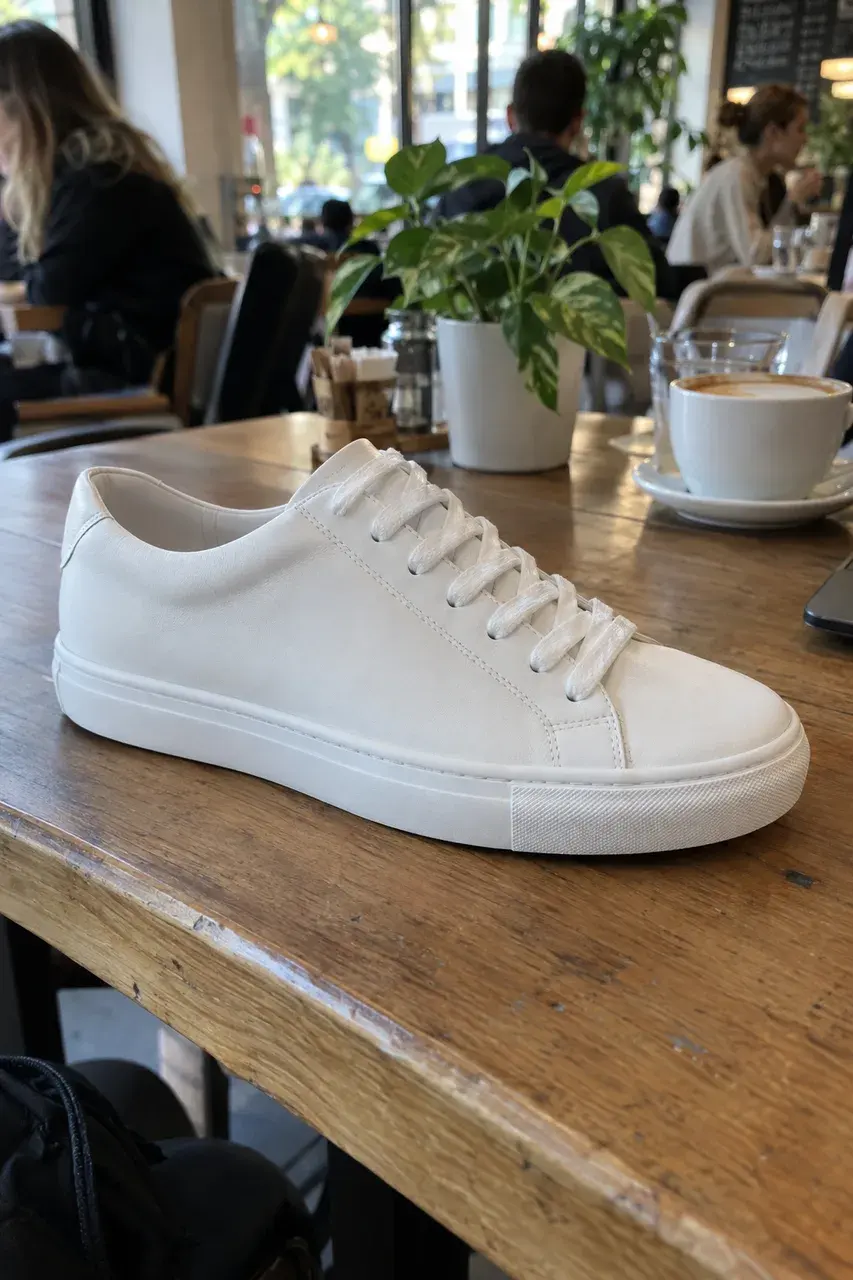
A phone photo → Background removed, ready for the store

In short

Remove background

Removing a background in Vocla takes one click: upload the image and the studio keeps the person or product exactly as it is, removes everything around it and gives you a high-quality PNG with a transparent background. It costs 300 credits per image, is included from the Starter plan, and failed removals cost nothing.

Real results

Before and after, made in Vocla

Drag the line across each picture to compare the original with the result.

  • After
    BeforeAfter
    A street photoThe person alone on a clear background
  • After
    BeforeAfter
    A busy shelfThe product alone with clean edges

How it works

Three steps

A clear background in one click

  1. Step 1

    Upload the image

    A product, a person or any photo from your phone, or an image you made in the studio.

  2. Step 2

    Press “Remove background”

    No selecting or cutting: the studio finds the main subject on its own.

  3. Step 3

    Download a transparent PNG

    A clear-background image ready for your store, logo or any design.

1Why Vocla

Remove the background and keep the fine edges

Hair, fur, the edges of a shemagh and clear glass are what give away ordinary cut-out tools. The studio redraws the subject on a transparent background with soft edges, so it looks natural on any new background.
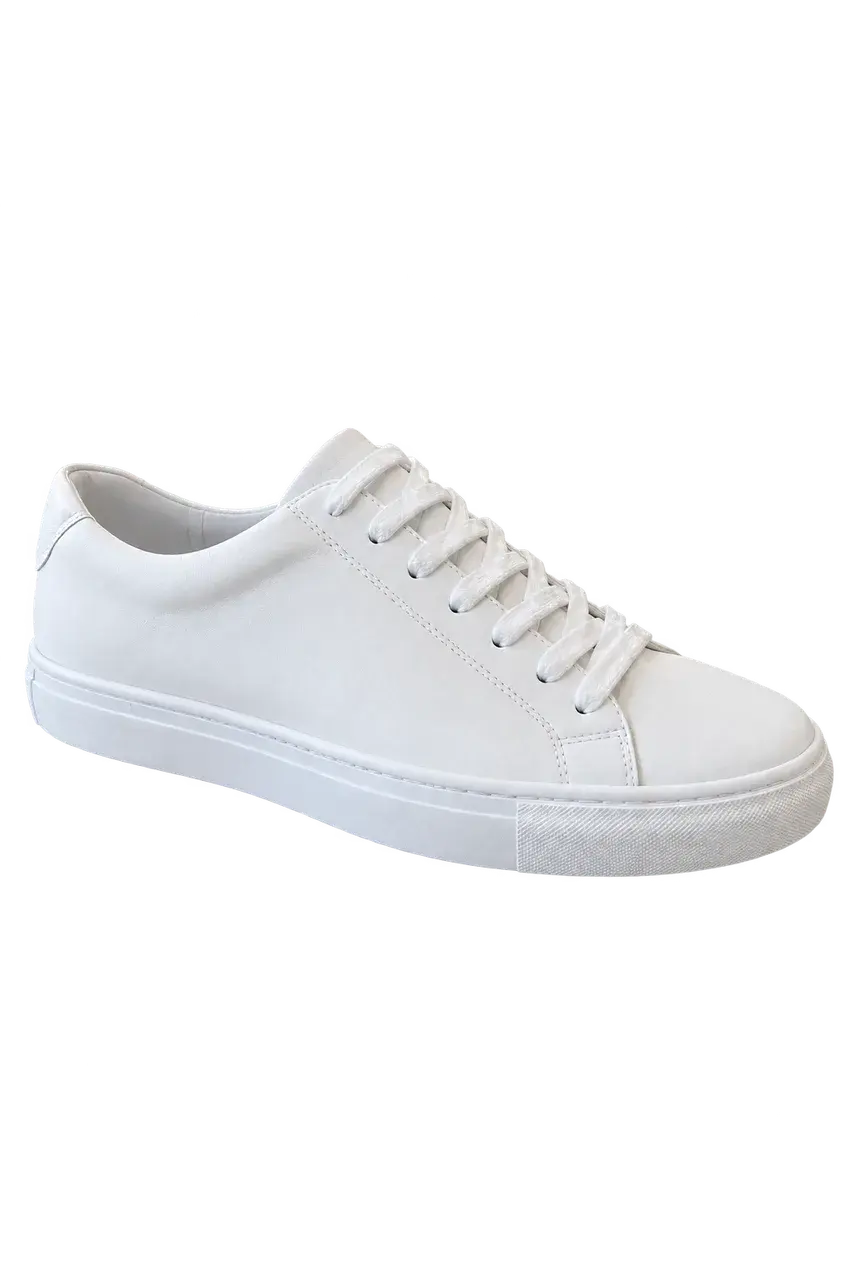
Background removed, ready for the store
2Why Vocla

Delete the background of product photos

Product photos on white or transparent backgrounds build trust and sales. Shoot the product on your phone anywhere, remove the background, then place it on a new one with the editor.

The person alone on a clear background
3Why Vocla

Transparent images for logos and stickers

Upload a logo or sticker and get a transparent PNG ready to print or put on your site.

The product alone with clean edges
4Why Vocla

A background remover in Arabic

A fully Arabic interface that runs in the browser on phones and computers, with every result saved in your gallery to edit or turn into a video later.

Background removed, ready for the store

Plans

Pick the plan for what you make

The image studio starts with Starter, with more on each step up.

  • Starter⁨$4.99⁩ / month

    The image studio: images from a description, background removal, enhancement up to 2K and video ads from your images

    Start creating
  • Creator⁨$13.99⁩ / month

    Everything above, plus photo editing and reference photos

    Start creating
  • Professional⁨$29⁩ / month

    Everything above, plus Ultra quality, 4K and AI video edit

    Start creating

Frequently asked questions

How do I remove an image's background?

Upload the image to Vocla's background remover and press “Remove background” to get a transparent PNG in seconds.

Is the background removal high quality?

Yes, it keeps the subject's detail and fine edges such as hair and fabric, and gives you a transparent PNG.

How much does background removal cost?

300 credits per image from your plan, and nothing when a removal fails.

Which plan includes background removal?

Background removal is included from the Starter plan and every plan above it.

Can I add a new background afterwards?

Yes, use “Edit” and write the new background, like “put it on white marble”, from the Creator plan.

Does it work for people and products?

Yes, people, products, pets, logos and stickers.

Background remover

Your first image is one sentence away

Describe it in Arabic or English and see it in seconds. Credits are charged only for images that succeed.

  • Arabic text written correctly
  • No credits for images that fail
  • Commercial use on paid plans